The 2026 Gmail Refresh: AI Overviews, Smart Summaries, and What else changed
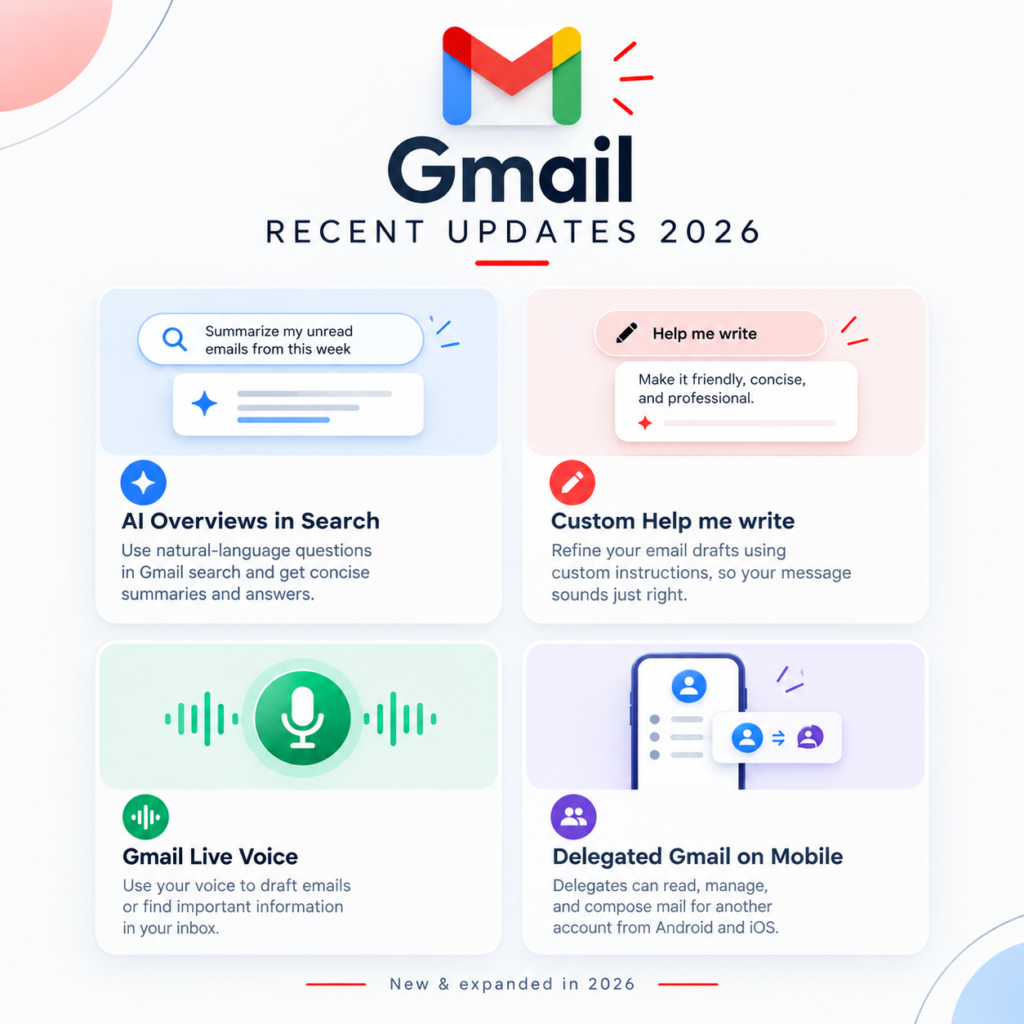
1. The “AI Inbox” and Thread Overviews Are Free for All
The long-awaited Gemini era of email sorting is officially in full effect. AI-driven gatekeeping is now standard infrastructure.
- Instant AI Overviews: Open a thread with dozens of messy replies, and Gmail automatically populates an AI Overview at the top. It synthesizes key action points and dates into a concise bulleted summary so you can skip scrolling through long chains.
- The “Relevance Test”: Gmail’s sorting engine has gone beyond standard spam filters. The new AI Inbox aggressively filters out lower-value, repetitive promotional clutter, highlighting messages based on real-time professional context.
2. Upgraded “Help Me Write” & Personal Voice Cloning
Drafting emails from scratch is becoming a thing of the past. The built-in writing tool has received two structural upgrades:
- Tone and Style Personalization: Help Me Write now learns from your sent history. Instead of generating generic, robotic text, it mimics your writing patterns, specific sign-offs, and professional tone.
- Topic Contextualization: You can give a prompt that pulls data instantly from other apps. For instance, telling Gmail to “draft a pitch based on the document I worked on yesterday” allows Gemini to ground the email text using data directly from Google Drive.
3. Smart Scheduling and Workspace Studio Agents
Google has finally solved the tedious “calendar dance” of booking meetings.
- “Help Me Schedule” Integration: Paid Workspace plans now include a native, one-click scheduling assistant. The AI automatically cross-references your calendar in real-time and inserts open availability blocks directly into your email draft. Receivers can click a slot to book a meeting instantly without ever leaving the message tab.
- Cross-App Integrations: Using the Model Context Protocol (MCP), Gemini in Workspace now integrates natively inside Gmail. You can seamlessly pull in data and trigger automations from tools like HubSpot, Salesforce, Asana, and Mailchimp without switching tabs or downloading attachments.
4. Alias Freedom: The Master Address Redesign
For personal Gmail users, one of the most widely requested quality-of-life updates is rolling out.
- Change Your Master Address: You no longer need to scrap your data to ditch an embarrassing username made a decade ago. Gmail now allows you to change your primary address while keeping all past data, archives, folders, and logins entirely intact. The new address functions as a master alias seamlessly managing all traffic.